How to Choose a Portable Power Station for Home Backup and Travel
A portable power station can keep phones, laptops, lights and selected household equipment running when a wall outlet is unavailable. The difficult part is choosing the right balance of battery capacity, output power, charging speed and weight. This guide explains the practical checks that matter before you buy, whether you are preparing for short outages, working away from a desk or planning a weekend trip.
Start with the devices you need to power
Make a short list of essential devices and record the running wattage of each one. A phone charger may use very little power, while a laptop, television, fan or small appliance can require much more. Check the label on the device or its power adapter instead of relying on a broad estimate. If several devices will run at the same time, add their wattages together.
Some equipment briefly draws more power when it starts. Refrigerators, pumps and tools with motors can have a startup surge that is noticeably higher than their normal running load. The power station’s continuous output and surge rating must both cover the intended equipment. A model that cannot handle the initial surge may shut down even when the normal wattage looks acceptable.
Understand watt-hours and realistic runtime
Battery capacity is usually stated in watt-hours. A 500-watt-hour battery does not deliver exactly 500 watt-hours to connected equipment because the inverter, electronics and temperature introduce losses. A practical estimate is to multiply the stated capacity by about 0.8, then divide the result by the device’s average wattage. Using that method, a 500-watt-hour unit might power a steady 50-watt load for roughly eight hours.
Real devices do not always draw a constant amount, so treat the calculation as a planning estimate rather than a promise. Keep a reserve for changing conditions and battery aging. If the goal is emergency backup, decide how long the essential load must run and size the battery from that requirement.
Check every output and charging method
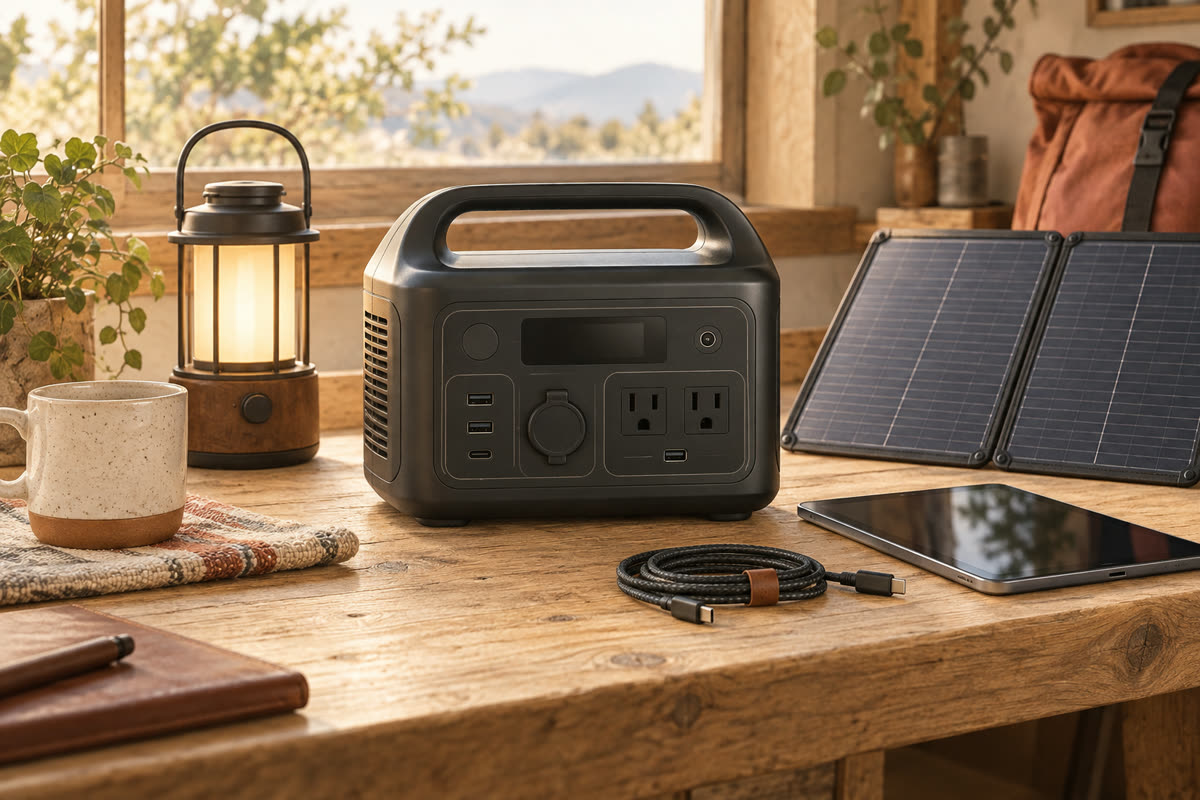
Count the AC outlets, USB-C ports, USB-A ports and 12-volt connections you will genuinely use. A USB-C port with enough power can charge a modern laptop without turning on the AC inverter, which may improve efficiency. Verify the output of each individual port because the total number of ports does not tell you how much power each one can supply.
Recharge time matters when outages are frequent or travel days are short. Compare wall charging, vehicle charging and solar input. For solar use, check the supported voltage and current range before buying panels or adapters. A large solar wattage claim is not useful if the power station’s input limit is much lower.
Choose the battery chemistry deliberately
Many current models use lithium iron phosphate cells, often shortened to LFP or LiFePO4. They are commonly chosen for long cycle life and thermal stability, although they can add weight. Other lithium-ion chemistries may produce a lighter package for the same capacity. The better choice depends on whether the unit will be carried often or used repeatedly at home.
Look beyond the headline cycle number. Read how the manufacturer defines a cycle and the remaining capacity at the end of the rating. Also check the warranty length, service process and whether the company publishes clear storage guidance.
Weight, noise and everyday usability
Capacity rises quickly with weight. A unit that is easy to move around the house may still be uncomfortable to carry from a parking area to a campsite. Check the actual weight, handle design and dimensions. If possible, compare the listed weight with an object you already carry regularly.
Cooling fans are another practical difference. Fan noise may be unimportant in a garage but distracting beside a bed or during a video call. Review independent measurements when available and note whether the display clearly shows input power, output power, battery percentage and estimated runtime.
Plan safe use and storage
A portable power station should be kept dry and used with ventilation around it. Do not cover cooling openings or place the unit close to a heat source. Follow the manufacturer’s temperature limits and charging instructions. It is a battery-powered inverter, not a substitute for a properly installed whole-home backup system.
For long storage, follow the recommended state of charge and inspect the battery periodically. Keep the correct charging cables with the unit so they are available during an outage. Test the planned setup before an emergency rather than discovering a missing adapter when the power is already off.
A practical final checklist
Before ordering, confirm five things: the continuous and surge output cover your equipment; the usable capacity supports the required runtime; the ports match your devices; the available charging methods fit your routine; and the weight is realistic for how far you will carry it. Add the cost of solar panels, cables and adapters before comparing final prices.
The right portable power station is rarely the model with the largest battery. It is the one that powers a clearly defined set of devices, can be recharged in the time available and remains convenient enough to use when needed. A short load list and a simple runtime calculation will usually produce a better decision than comparing capacity numbers alone.